Back to Templates


Turn Crisp chats into Helpdocs
Automatically create help articles from resolved Crisp chats. This n8n workflow listens for chat events, formats Q&A pairs, and uses an LLM to generate a PII‑safe helpdoc saved to a Data Table.
Highlights
- 🧩 Trigger: Crisp Webhook when a chat is marked resolved.
- 🗂️ Store: Each message saved in a Data Table (
crisp). - 🧠 Generate: LLM turns Q&A into draft helpdoc.
- 💾 Save: Draft stored in another Data Table (
crisphelp) for review.
How it works
- Webhook receives
message:send,message:received, andstate:resolvedevents from Crisp. - Data Table stores messages by
session_id. - On
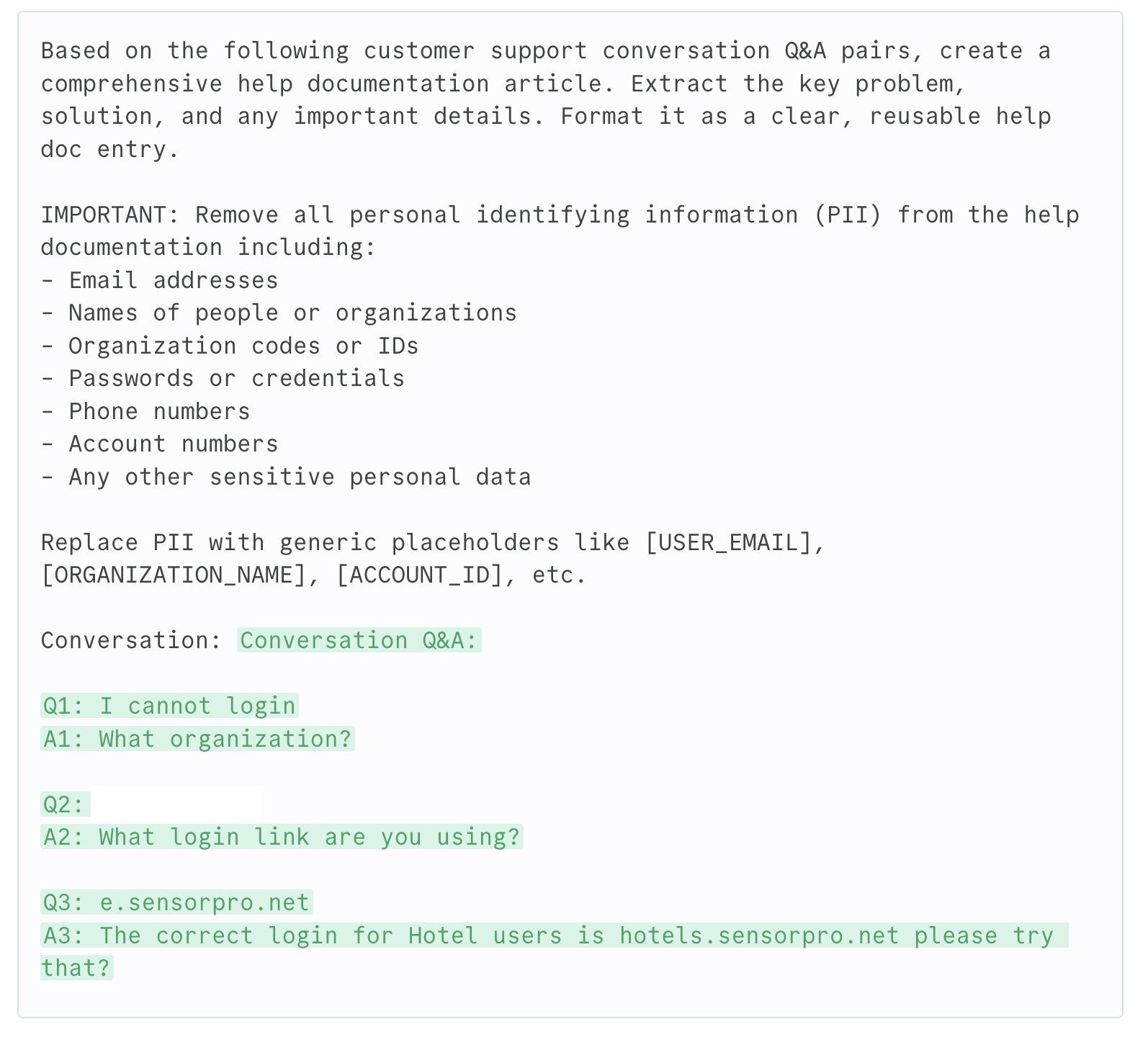
state:resolved, workflow fetches the full chat thread. - Code node formats messages into
Q:andA:pairs. - LLM (OpenAI
gpt-4.1-mini) creates a redacted helpdoc. - Data Table
crisphelpsaves the generated doc withpublish = false.
Requirements
- Crisp workspace with webhook access (Settings → Advanced → Webhooks)
- n8n instance with Data Tables and OpenAI credentials
Customize
- Swap the model in the LLM node.
- Add a Slack or Email node after
store-docto alert reviewers. - Extend prompt rules to strengthen PII redaction.
Tips
- Ensure Crisp webhook URL is public.
- Check IF condition:
{{$json.body.data.content.namespace}} == "state:resolved". - Use the
publishflag to control auto‑publishing.
Category: AI • Automation • Customer Support