Back to integrations
Integrate Prey with 1000+ apps and services
Unlock the full potential of Prey and n8n’s automation platform by connecting Luis S’s capabilities with over 1,000 apps, data sources, services, and n8n’s built-in AI features.
Need something that’s not covered yet?
Use n8n’s pre-authenticated HTTP Request node to create new connections, giving you the flexibility to build powerful automations on any stack.


Created by
Luis S
Last update
3 days ago
Prey integration
is built and maintained by our partners at Luis S and verified by n8n. That means it’s solid, safe, and ready to help you tap into some great capabilities.
About Prey
Prey for n8n helps IT and security teams automate device fleet operations at scale across Windows, macOS, Linux, Android, and iOS.
With this node, you can connect Prey to your operational workflows to monitor devices, detect risks, and trigger actions automatically—without manual follow-up.
Use it to:
- Track device status and location in real time
- Automate geofence and movement-based workflows
- Trigger incident-response actions for lost or at-risk devices
- Enrich alerts with fleet context for faster decisions
- Feed dashboards and reports for IT managers and security teams
Prey + n8n gives your team a practical way to reduce response time, standardize operations, and improve fleet visibility from a single automation layer.
Related categories

What can you do with Prey?
Get Account Summary
Get account information
Get Account Summary
Get account information
List Automations
List automations in the account
Get Automation
Get an automation by ID
List Automations
List automations in the account
Get Automation
Get an automation by ID
Get Device
Get a device by ID
Get Device Location History
Get device location history (JSON or CSV)
Get Device Report
Get a single report for a device
Get Device Reports
List reports for a device
List Devices
List devices in the account
Get Device
Get a device by ID
Get Device Location History
Get device location history (JSON or CSV)
Get Device Report
Get a single report for a device
Get Device Reports
List reports for a device
List Devices
List devices in the account
Trigger Device Action
Trigger alarm, alert, or lock on a device
Set Device Status (Missing/Recovered)
Mark a device as missing or recovered
Delete Device
Delete a device from the fleet
List Labels
List labels in the account
Get Label
Get a label by ID
List Labels
List labels in the account
Get Label
Get a label by ID
Create Label
Create a new label
List Mass Actions
List mass actions in the account
Get Mass Action
Get a mass action by ID
List Mass Actions
List mass actions in the account
Get Mass Action
Get a mass action by ID
List Users
List users in the account
Get User
Get a user by ID
List Users
List users in the account
Get User
Get a user by ID
List Zones
List zones in the account
Get Zone
Get a zone by ID
List Zones
List zones in the account
Get Zone
Get a zone by ID
Create Zone
Create a control zone
Update Zone
Update a control zone
How to install Prey and use it in your n8n workflows
Verified nodes need a quick setup by an instance owner first, but after that, everyone on the instance can start using them in their workflows. Learn more here.
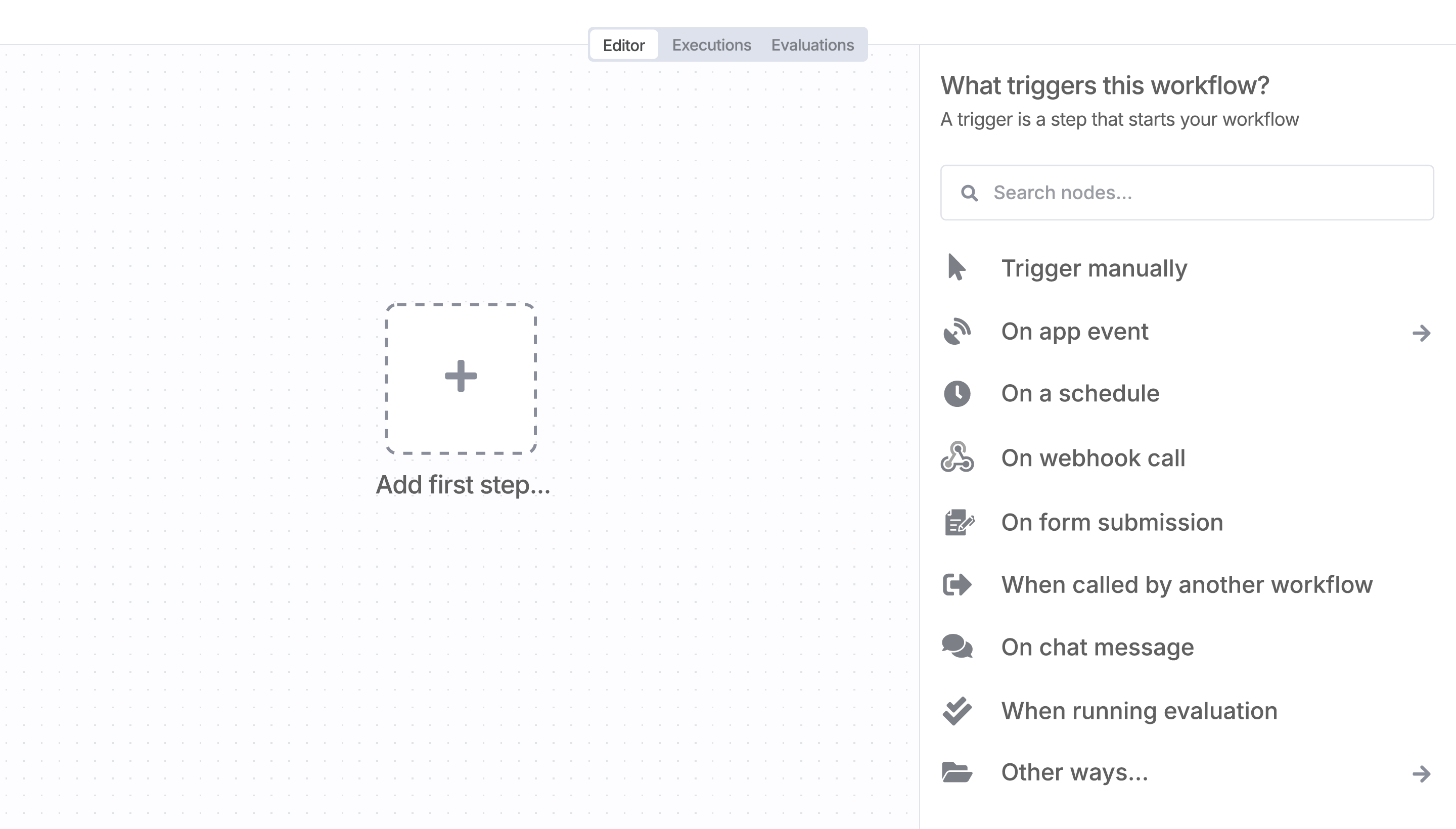
Sign in to n8n, open the editor, and click + in the top right to open the Nodes panel
Resources for Prey
The world's most popular workflow automation platform for technical teams including