Back to integrations
Google Sheets and Ideta integration
Save yourself the work of writing custom integrations for Google Sheets and Ideta and use n8n instead. Build adaptable and scalable Data & Storage, Productivity, workflows that work with your technology stack. All within a building experience you will love.





How to connect Google Sheets and Ideta
Create a new workflow and add the first step
In n8n, click the "Add workflow" button in the Workflows tab to create a new workflow. Add the starting point – a trigger on when your workflow should run: an app event, a schedule, a webhook call, another workflow, an AI chat, or a manual trigger. Sometimes, the HTTP Request node might already serve as your starting point.

Popular ways to use the Google Sheets and Ideta integration
Generate AI viral videos with Seedance and upload to TikTok, YouTube & Instagram
Fully automated AI video generation & multi-platform publishing
Generate AI videos with Google Veo3, save to Google Drive and upload to YouTube
Generate & auto-post AI videos to social media with Veo3 and Blotato
Generate AI viral videos with VEO 3 and upload to TikTok
Scrape business emails from Google Maps without the use of any third party APIs
Create & upload AI-generated ASMR YouTube Shorts with Seedance, Fal AI, and GPT-4
Generate leads with Google Maps
Generate AI viral videos with NanoBanana & VEO3, shared on socials via Blotato
Clone viral TikToks with AI avatars & auto-post to 9 platforms using Perplexity & Blotato
AI-powered short-form video generator with OpenAI, Flux, Kling, and ElevenLabs
AI-powered multi-social media post automation: Google Trends & Perplexity AI
Lead generation system: Google Maps to email scraper with Google Sheets export
OpenAI GPT-3: Company enrichment from website content
Auto-create TikTok videos with VEED.io AI avatars, ElevenLabs & GPT-4
Generate AI videos from scripts with DeepSeek, TTS, and Together.ai
Lead generation agent
🚀 Boost your customer service with this WhatsApp Business bot!
LinkedIn job search: auto-match resume with AI + cover letter & Telegram alerts
Automated AI content creation & Instagram publishing from Google Sheets
Invoice data extraction with LlamaParse and OpenAI
Automated content generation & publishing - Wordpress
Auto-generate SEO blog posts with Perplexity, GPT, Leonardo & WordPress
Search LinkedIn companies, score with AI and add them to Google Sheet CRM
Api schema extractor
Auto-create and publish AI social videos with Telegram, GPT-4 and Blotato
Google Maps business scraper with contact extraction via Apify and Firecrawl
Automated invoice processing with Telegram, GPT-4o, OCR and SAP integration
Automated stock trading with AI: integrating Alpaca and Google Sheets
Auto-generate Instagram content schedule with GPT-4, Apify, and Google Sheets
Generate cinematic videos from text prompts with GPT-4o, Fal.AI Seedance & Audio
Create low-cost AI videos with Veo3 fast and upload to YouTube & TikTok
LinkedIn job finder automation using Bright Data API & Google Sheets
Auto-generate and post Instagram reels with Veo3, OpenAI, and Blotato
Automate lead qualification with RetellAI Phone Agent, OpenAI GPT & Google Sheet
Scrape LinkedIn job listings for hiring signals & prospecting with Bright Data
Convert YouTube videos to shorts with Klap & auto-post to multiple social platforms
Extract trends, auto-generate social content with AI, Reddit, Google & post
Generate & auto-post social videos to multiple platforms with GPT-4 and Kling AI
Automated LinkedIn lead generation, scoring & communication with AI-Agent
Scrape Google Maps business leads with Apify & GPT-4 email extraction
Explore n8n nodes in a visual reference library
Automate & publish video ad campaigns with NanoBanana, Seedream, GPT-4o, Veo 3
3D Product Video Generator from 2D Image for E-Commerce Stores
AI personal assistant for Google Tasks
Create viral ads with AI: NanoBanana & publish on socials via upload-post
Automated video creation using Google Veo3 and n8n workflow
Generate & publish SEO articles with Claude AI, Webflow & image generation
Automate AI news videos to social media with GPT-4o & HeyGen and Postiz
Stock market daily digest with Bright Data scraping & Gemini AI email reports
Scrape LinkedIn profiles & save to Google Sheets with Apify
Transcribe audio files from Cloud Storage
Generate AI YouTube shorts with Flux, Runway, Eleven Labs and Creatomate
Auto-generate virtual AI try-on images for WooCommerce with Gemini Nano Banana
Amazon affiliate marketing automation
Send bulk messages to chats in Telegram
Turn Google Sheets ideas into AI videos with GPT-4o and Fal.AI Veo 3
Automatic YouTube shorts generator
Automate ASMR video creation and distribution with FalAI and social media integration
Business lead generation with Apify web scraping and Google Sheets storage
AI-powered content factory: RSS to blog, Instagram & TikTok with Slack approval
Google Maps business scraper & lead enricher with Bright Data & Google Gemini
Automated bulk cold email sender using Gmail, SMTP and Google Sheets
Resume screening & behavioral interviews with Gemini, Elevenlabs, & Notion ATS
Find Content Gaps in Competitors' Websites with InfraNodus GraphRAG for SEO
Automated email marketing campaign workflow
🐶 AI agent for PetShop appointments (Agente de IA para agendamentos de PetShop)
Automated 🤖🎵 AI music generation with ElevenLabs, Google Sheets & Drive
Find and email ANYONE on LinkedIn with OpenAI, Hunter & Gmail
Competitor price monitoring with web scraping,Google Sheets & Telegram
Automatically create cinematic quote videos with AI and upload to YouTube
Generating AI videos with VEO3 and distributing with Blotato across multiple platforms
University FAQ & calendar assistant with Telegram, MongoDB and Gemini AI
Pharmacy inventory alerts for low stock & expiring medicine with Google Sheets
AI-powered cold call machine with LinkedIn, OpenAI & Sales Navigator
Job scraping using LinkedIn, Indeed, Bright Data, Google Sheets
Visual regression testing with Apify and AI Vision Model
AI-powered lead enrichment with Bright Data MCP and Google Sheets
Qualify real estate leads via SMS with GPT-4o, Twilio, and Google Sheets
Automated viral content engine for LinkedIn & X with AI generation & publishing
Generate horror faceless shorts with OpenAI TTS, Replicate Video, and YouTube upload
AI Facebook ad spy tool with Apify, OpenAI, Gemini & Google Sheets
Generate AI videos with Sora2 Pro, save to Google Drive and upload to YouTube
Generate videos with AI, ElevenLabs,PIAPI Shotstack/Creatomate & post to Youtube
Create AI product images and marketing videos with NanoBanana Pro, Veo 3.1 and Blotato
Generate Instagram reels with Veo3 and GPT for AI-powered ad creation
Scrape Indeed job listings for hiring signals using Bright Data and LLMs
Create AI news avatar videos with Dumpling AI, GPT-4o and HeyGen
Scrape TikTok influencer profiles with Bright Data API to Google Sheets
Auto invoice & receipt OCR to Google Sheets – Drive, Gmail, & Telegram triggers
Automate 3D body model generation from images using SAM-3D & Google Sheets
Automate Glassdoor job search with Bright Data scraping & Google Sheets storage
Generate UGC ads from Google Sheets with Fal.ai models (nano-banana, WAN2.2, Veo3)
Smart email outreach sequence – AI-powered & customizable
Automated resume scoring with Gemini LLM, Gmail and Notion job profiles
TikTok post scraper via keywords | Bright Data + Sheets integration
Automate LinkedIn candidates sourcing with Google X-ray Boolean search
Viral ASMR video factory: Automatically generate viral videos on autopilot.
Generate cheap viral AI videos to TikTok with Google Veo3 fast and Postiz
Automate job search with LinkedIn, Google Sheets & AI
Auto-publish latest news on X with AI content generation using keywords and Bright Data
Automate Instagram carousel creation with GPT-5, Nano Banana, and Blotato
Extract business contact leads from Google Maps with RapidAPI and Google Sheets
Scrape competitor reviews & generate ad creatives with Bright Data & OpenAI
Discover & analyze TikTok influencers with Bright Data, Claude AI & email outreach
Transform images into AI videos with MiniMax Hailuo 02. Upload to YouTube/TikTok
Automate LinkedIn posts with Claude AI, DALL-E images & Google Sheets approval
Generate AI avatar videos with GPT-5 & publish to social media platforms
Build a multi-modal Telegram AI assistant with Gemini, voice & image generation
Google Maps business phone no scraper with Bright Data & Sheets
AI-powered automated outreach with scheduling, Gemini, Gmail & Google Sheets
Domain outbound : automate lead extraction, and targeted outreach
Bulk AI video generation with Freepik Minimax Hailuo & Google Suite integration
AI-powered Google Maps business scraper with enrichment & export to sheets
Bulk TikTok video download without watermark to Google Drive with tracking
Create AI generated videos 4x cheaper than veo3 with Google Sheets & Fal.AI
Monitor and track brand Sentiment on Facebook Groups with Bright data
Create YouTube videos daily from Google Sheets using MagicHour + Gemini
Fetch keyword from Google Sheet and classify them using AI
Generate UGC video ads from product images with Kie.ai Sora 2 + Tavily Research
Create viral social media videos with FalAI Flux/Kling and GPT-4 automation
Automate job search & resume matching with LinkedIn, Gemini AI & Google Sheets
Automate AI video production & distribution with Veo3, YouTube & Google Suite
Indeed job scraper with AI filtering & company research using Apify and Tavily
Generate videos from images with Telegram, GPT-4.1 & Seedance/Veo3 integration
Automatically create YouTube short videos using Elevenlabs, Hailuo AI
Post AI videos to YouTube with Fal AI Veo3, Google Sheets, and YouTube API
Convert images to 3D models with Fal AI Trellis and store in Google Drive
Create & approve POV videos with AI, ElevenLabs & multi-posting (TikTok/IG/YT)
Automate YouTube thumbnail creation & social publishing with Templated.io & Blotato
Shopify to Google Sheets Product Sync Automation
Create & share AI videos with Telegram, Gemini & post to TikTok, Instagram, FB
Automate video creation from voice input with HeyGen, GPT-5 & social publishing
Generate AI songs + music videos using Suno API, Flux, Runway and Creatomate
Backlink monitoring automation with Google Sheets + DataForSEO
Generate a YouTube bedtime story using OpenAI
Competitive ad research & image generator with Apify, GPT-4o & Facebook Ad Library
Extract and analyze Google AI overviews with LLM for SEO recommendations
Convert RSS news to AI avatar videos with Heygen & GPT-4o
Smart Shopify agent: AI-powered abandoned cart recovery
Lead generation and qualification with GPT-4o, Google Workspace, and automated follow-up
Generate VEED AI talking head videos from sheet rows with OpenAI or ElevenLabs
Generate Google Maps leads with AI enrichment, social discovery and Google Sheets
Export Amazon product reviews in bulk to Google Sheets via RapidAPI
Shopify multi-module automation with GPT-4o, Langchain agents & integrations
Analyze Meta Ad Library Video Ads with Gemini and store results in Google Sheets
Automate image editing & Instagram posting with Nano Banana & GPT-5 captions
Download videos from any platform to Google Drive with RapidAPI integration
Generate scalable e-commerce product images with GPT-4 and NanoBanana Pro
Find high-intent sales leads by scraping Glassdoor with Bright Data & GPT
Automate hyper-personalized outreach at scale with Bright Data and LLMs
AI virtual TryOn automated generation 🤖🧠 for WooCommerce clothing catalog 👔
AI-powered Meta ads analysis & creation with Gemini, GPT-4.1 Mini & Ads Manager
Transform images with AI prompts using FLUX Kontext, Google Sheets and Drive
Auto-clip long videos into viral short clips with Vizard AI and social publishing
Manage influencer campaigns across social media with AI scoring & Gmail outreach
Auto-caption & post videos to Instagram & TikTok with Submagic, Postiz & OpenAI
Automate LinkedIn profile search & cold email outreach with OpenAI and Hunter
AI-powered reservation reminder calls for restaurant with Twilio & Grok-4
Generate multispeaker podcast 🎙️ with AI natural-sounding 🤖🧠 & Google Sheets
Turn an image into a cinematic video with NanoBanana Ultra, Kling, Blotato
🤖🚚 AI agent for transportation orders management with GPT-4o and Open Route API
Automated Instagram reels posting using Google Drive, Cloudinary & Sheets
Automate TikTok video transcription with RapidAPI and Google Sheets
Generate viral Instagram scripts by analyzing trending reels with Apify and GPT-4
Automate RSS content to blog posts with GPT-4o, WordPress & LinkedIn publishing
Find, scrape & analyze Twitter posts by name with Bright Data & Gemini
Create emotional stories with Gemini AI: Generate images and Veo3 JSON prompts
Create consistent AI characters with Google Nano Banana & upscaling via Kie.ai
Generate frozen ASMR product videos with Gemini, Veo3, GPT-4o and post to YouTube, TikTok, Instagram and Pinterest
🚚 Estimate driving time and distance for logistics with Open Route API
Exponential backoff for Google APIs
Automate outbound sales calls to qualified leads with VAPI.ai and Google Sheets
🚛🗺️ Geocoding for logistics with Open Route API and Google Sheets
Automate real estate marketing with Llama AI, VAPI calls & Gmail campaigns
Analyze Meta ads creatives with Google Vision & Video Intelligence APIs
Generate & upload images with Image-to-Image GPT, Google Sheets & Drive
Automated email triage with Gmail, GPT-4o, and Slack urgency notifications
Generate biblical character vlogs with GPT-4o and Veo3 AI video generator
🍅 Custom pomodoro tracker using Telegram and Google Sheet
Generate AI photos with Gemini & auto-post to FB, Instagram & X with approval
Recover Shopify abandoned carts with email, SMS, WhatsApp & Facebook retargeting
Convert Form Inputs to Cinematic Videos with GPT-4, Dumpling AI & ElevenLabs Audio
Generate personalized icebreakers
Automated website audit & personalized outreach with Lighthouse and GPT-4
Monitor Amazon product prices with Bright Data and Google Sheets
♻️ AI multi-stop planner for circular logistics with GPT-4o & Open Route API
Monitor ad performance drops with Meta & Google Ads + multi-channel alerts
Automate personalized email campaigns with Google Docs, Sheets and SMTP
Scrape Google Maps leads to Google Sheets via Apify
Create hours-long wave music videos with Suno, ffmpeg-api and YouTube
Automated lead research – from LinkedIn to ready-to-send report
Track LinkedIn profile changes with Google Sheets & Slack notifications
Generate SEO-optimized blog posts with Google Autocomplete & GPT-4
Automated cold email campaigns with random templates & Google Sheets tracking
Automate job searching & resume customization with AI, LinkedIn & Google Sheets
AI candidate screening pipeline: LinkedIn to Telegram with Gemini & Apify
Extend and merge UGC viral videos using Kling 2.1, then publish on social media
Automate lead generation from Google Search & Maps to Google Sheets
Transform Instagram reels into viral content with Mistral AI, AssemblyAI & Sheets
Rss feed reader that saves the feeds of the last 3 days in Google Sheets
Extract market cap data from Yahoo Finance with Bright Data & visualize in Telegram
Transform videos with FAL AI avatar swaps & voice and publish to TikTok with Blotato
TechCrunch AI article scraper & classifier with GPT-4.1-nano to sheets & Telegram
Send bulk WhatsApp messages from Google Sheets using Rapiwa API
Automated UGC video generator with Gemini images and SORA 2
GPT-4o, RunwayML, ElevenLabs for Social Media
Transform YouTube videos to social media content with Vizard AI and GPT-4.1
Automate vendor due diligence research with Gemini & Jina AI
Extract business emails from Google Maps to Google Sheets for lead generation
Extract Google My Business leads by service or location with Bright Data
Track n8n workflow changes over time with compare dataset & Google Sheets
Reddit lead finder: Automated prospecting with GPT-4, Supabase and Gmail alerts
Scrape TikTok trends & generate AI videos with Apify, Fal AI & Google Suite
Generate SEO blog posts from a keyword list and publish to Webflow
Automate Instagram stories publishing from Google Sheets with Meta Graph API
Extract YouTube channel videos to Google Sheets with metadata tracking
Find quality YouTube videos with automated filtering & relevance scoring to Google Sheets
Multi-level WordPress blog generator with PerplexityAI research & OpenAI content
Transform resumes into AI-generated personal video intros with HeyGen & GPT
Auto-send WooCommerce invoices via WhatsApp with Rapiwa API
Airline web check-in data extraction with Ollama AI, Google Sheets & Postgres Vector DB
Run an AI SDR sales pipeline with OpenAI, Google Sheets, Gmail and Calendar
Abandoned cart recovery for Shopify via Gmail, Google Sheets & Twilio (no-code)
AI-Powered Cold Calling Automation with Vapi.ai, GPT-4o & Google Sheets
Zillow property scraper by location via Bright Data & Google Sheets
Generate UGC-style AI videos with Google Sheets, NanoBanana Pro and Veo 3.1
Multi-platform price finder: Scraping prices with Bright Data, Claude AI & Telegram
Automate Facebook reels publishing with Google Sheets and Drive
Create sales orders with Web POS interface, AI reports, Telegram alerts & sheets
Text-to-image generator with Google Sheets & Drive integration using Flux AI
AI-powered MIS agent
Automated invoice data extraction with LlamaParse, Gemini 2.5 & Google Sheets
Generate & publish AI videos with Sora 2, Veo 3.1, Gemini & Blotato
Generate business leads with OpenStreetMap data and save to Google Sheets
Analyze YouTube videos for viral content with engagement scoring and Google Sheets
Automated daily AI summaries from WhatsApp groups
Generate riddle shorts & post on YouTube with Sonnet 3.5, Pinecone & Creatomate
Extract LinkedIn Sales Navigator contacts to Google Sheets with auto pagination
LinkedIn content factory with OpenAI research & Replicate branded images
Automate ASMR glass fruit video creation & publishing with Veo, Shotstack & Postiz
Collect company social media profiles with Extruct AI to Google Sheets
Food menu update notifier
Extract, summarize & analyze Amazon price drops with Bright Data & Google Gemini
Transform meeting transcripts into AI-generated presentations with Google Slides & Flux
Scrape Trustpilot reviews using Bright Data & GPT-5.4 for winning ad copy
Collect & store restaurant customer feedback with Google Sheets and email forms
Create workflow inventory dashboard with n8n API and Google Sheets
Generate AI short-form health videos with Gemini, Veo 3 and Google Sheets
Restaurant daily insights with Gemini AI - sales, waste & feedback email summary
Automate sprint planning with OpenAI, Google Calendar, and Gmail for agile teams
🏤 Scrapping of European Union events with Google Sheets
Send automatic WhatsApp order confirmations from Shopify with Rapiwa API
Automate LinkedIn content from Twitter AI posts with GPT-4 and Google Sheets
Create and post social media image captions with GPT-4.1-mini and Google Sheets
🔄️ AI warehouse inventory cycle count bot using GPT, Telegram and Google Sheets
Make outbound sales calls from Google Sheets using a Retell AI voice agent
Extract Business Emails from Google Maps Listings for Lead Generation
End-to-end YouTube video automation with HeyGen, GPT-4 & Avatar videos
Viral video creator: Fal.ai AI videos → TikTok, YouTube & Instagram automation
Convert Shopify products into Blog content with DeepSeek and Sheets
Scrape Upwork job listings & generate daily email reports with Apify & Google Sheets
Automate startup research & profiling with Extruct AI to Google Sheets
Narrative chaining: AI-generated video scene extensions with Veo3
Auto-generate WordPress articles from news with Claude AI and LinkedIn sharing
Automated sales follow-up system using HighLevel, Gmail, Slack & Google Sheets
Enrich Company Data from LinkedIn via Bright Data & Google Sheets
Track Forex Factory news releases with MyFxBook, Telegram & Google Sheets
LinkedIn talent pipeline: AI-powered candidate search & ranking with GPT-4o
Convert YouTube videos to MP3 with RapidAPI, Google Drive storage & sheets logging
Automated water consumption tracker - stored in sheet and notify in Slack
Create AI-generated music playlists for YouTube using Suno, Runway & Creatomate
Download watermark-free TikTok videos to Google Drive with automated sheets logging
Intelligent workflow maintenance system with smart AI filtering & Google Workspace
LinkedIn profile scraper & personalized outreach using PhantomBuster + GPT-4
Create AI shorts with HeyGen, Creatomate, Replicate, Gemini and OpenAI
Compare vendor quotations with Grok AI and export to Google Sheets & email
Automate external attack surface mapping with Shodan API and DNS lookups
Upload video & image ads to Meta Ads Manager from Google Sheets & Google Drive
Personalized cold email system with Google Gemini, Telegram approval & Google Sheets
AI-powered receipt and expense tracker with Telegram, Google Sheets & OpenAI
Generate YouTube content ideas from video analysis with Dumpling AI and GPT-4o
LinkedIn Lead Enrichment & Personalized Cold Outreach with Hunter.io, GPT-4 & Sheets
Convert radiology images to patient-friendly reports with GPT-4 Vision & PDF email
Automated B2B lead generation & cold emails with OpenAI, Apify, Gmail & Telegram
Automated WhatsApp welcome messages for sales leads with Google Sheets & Rapiwa
Extract business email addresses using Serper.dev and ScrapingBee from Google Sheets
Telegram chatbot with voice recognition and message batching using OpenAI
Automate lead generation with Apollo, AI parsing, and timed email follow-ups
Generate product videos automatically with Gemini, FAL and Google Workspace
Generate academic assignments with Google Gemini & deliver via Telegram/PDF
Process images with Background Remover AI and track results in Google Sheets
AI expense tracker: Telegram voice/photo/text to sheets
Simple eval for legal benchmarking
Send bulk WhatsApp messages from Google Sheets using WasenderAPI
Bulk AI Image Generator, Rename Engine & 4× Upscaler
Reddit Sentiment Analysis for Apple WWDC25 with Gemini AI and Google Sheets
Scrape business leads from Google Maps and extract decision-maker info with Olostep
Automate business partner outreach with Google Maps, GPT-4 & WhatsApp
Create a one-minute video from Telegram prompts with Veo 3 and Fal.ai
Create and publish AI avatar short videos with Gemini, HeyGen and Google Sheets
Download Spotify music to Google Drive with automatic logging in sheets
Facebook ads competitive analysis using Gemini and Open AI
Scrape LinkedIn profiles into Google Sheets using Google Custom Search
Automate company data enrichment with ZoomInfo, Serper & Oxylabs to Google Sheets
Scrape LinkedIn job listings with Phantombuster & save to Google Sheets
Automate RSS to Medium publishing with Groq, Gemini & Slack approval system
Automate RSS content with AI: summarize, notify & archive
WhatsApp marketing dashboard with dynamic broadcasts from Google Sheets to Meta templates
Api uptime monitoring with WhatsApp alerts & Google Sheets management
Generate lead magnet ideas from Google Sheets using RapidAPI AI
Generate B2B leads by industry & location with Google Places API and Google Sheets
Reddit comment sentiment analysis with Bright Data and Gemini AI to Google Sheets
Automated web form data collection and storage to Google Sheets
Monitor & filter French procurement tenders with BOAMP API and Google Sheets
Ai prospect researcher +ISCP only need company name and domain
Automate lead enrichment & personalized outreach with HubSpot, Phantombuster & GPT
Automate video creation with Gemini Prompts and Vertex AI to Google Drive
Generate 3D models from images using Hunyuan3D v2 and Google Sheets
Schedule and auto-post images to Instagram with Google Sheets, Drive and AI captions
Automate lead intelligence & outreach with GPT-4o, LinkedIn, HubSpot & Outlook
Audio transcription & chat bot with AssemblyAI, Gemini, and Pinecone RAG
Automate Shopify Product Posting to Social Media with GPT-4.1-Mini & Data Tracking
Scrape Twitter profiles with Bright Data API and export to Google Sheets
Monitor medical equipment with Google Sheets & send WhatsApp and email alerts
Create AI Viral Selfie videos 🎬 with celebrities 😎 using Google Veo 3.1
🔔 Meta Ads Low Balance Alert – Auto Notification via WhatsApp or Email
Send predefined personalized emails to leads from Google Sheets using SendGrid
Automate viral content creation with OpenAI, ElevenLabs, and Fal.ai for videos, podcasts, and ASMR
Invoice verification and validation with Gmail, Drive, Sheets and OCR AI
Automate email triage & meeting scheduling with Gmail, GPT-4 & Google Calendar
Generate AI product ad images from Google Sheets using Fal.ai and OpenAI
Auto-generate AI news commentary with Dumpling AI and GPT-4o
Export Cloudflare domains with DNS records and settings to Google Sheets
Turn text into cinematic videos using GPT-4, Dumpling FLUX.1 Pro, and Veo 3
Automated AI Long Video Creator 🎞️🍿 & Multi-Platform Upload via Postiz
Automatically join WhatsApp groups with Google Sheets and Evolution API
Ai-driven Instagram reels creation and publishing with GPT, Creatomate and Slack
Promote YouTube videos on Reddit with AI-generated comments and email digest
Scrape & summarize Google Maps businesses with APIFY + GPT-4O to sheets
Bright Data-powered competitive price lookup and report generator
Shopify order fulfillment & send tracking link via WhatsApp using Rapiwa API
Expense Logging with Telegram to Google Sheets using AI Voice & Text Parsing
Generate AI UGC videos with HeyGen and post to Instagram and Facebook daily
Google calendar events with Gemini AI follow-up suggestions via WhatsApp & email
Monitor Google Shopping prices with Bright Data & email alerts
Detect e-commerce platforms & technology stacks with Google Sheets
Generate institutional-style stock price targets and BUY/HOLD/SELL alerts with ChatGPT and Gemini
Automated Twitter brand promotion with Anthropic Claude AI & Google Sheets reporting
Download Facebook videos to Google Drive with automated logging in sheets
Automate Shopify abandoned cart WhatsApp reminders with product links via Rapiwa
Automate contact enrichment with Surfe, Google Sheets & HubSpot
Facebook lead management: Automate email responses with Gmail & Google Sheets
Automate marketing leads import from Google Sheets to Airtable CRM
Automate real estate open house follow-ups with SignSnapHome, HubSpot, and Twilio
Automate post to multiple Facebook groups with Airtop, Google Sheets & Telegram
Monitor SEO keyword rankings with SERP API & send drop alerts via Slack
B2B lead follow-up automation with Gemini AI, Gmail and Google Sheets
Generate UGC product video ads from a reference image with OpenAI and Kie.ai
WhatsApp number verify & confirmation system with Rapiwa API and Google Sheets
Automate face swapping for GIFs with Fal.run AI and Google Services
Altcoin news to LinkedIn posts with DeepSeek AI & Google Sheets
Generate LinkedIn agency content with GPT‑4o, Claude 4.5 and Gemini
Multi-language Telegram RAG chatbot with supervisor AI & automated Google Drive pipeline
Automate B2B lead generation & personalized cold emails with Apollo, Apify & GPT
Automate event registration & follow-ups with Gmail reminders & Google Sheets
Automated academic paper metadata & variable extraction with Gemini to Google Sheets
Download Threads videos & log results in Google Sheets
SEO competitor analysis with RapidAPI and Google Sheets logging
Create complete 20-song YouTube playlists with Suno API, Claude & Telegram bot
Abandoned cart recovery functionality using Gmail and Google Sheets for analytics
Scrape high-engagement LinkedIn posts and auto-post with Gemini images
AI-powered recruitment system for resume screening & automated outreach with GPT-4
Make outbound sales calls from Google Sheets using a VAPI voice agent
Automate Shopify inventory reordering with predictive analytics and Google Sheets
Auto scrape X image posts & publish to Telegram with Google Sheets storage
Create & publish affiliate product videos with Sora-2, GPT & YouTube
Summarize text with RapidAPI and log results to Google Sheets
Google Play review intelligence with Bright Data & Telegram alerts
SERP keyword ranking checker with RapidAPI & Google Sheets
Automate Real Estate Listing Scraper 🏠🤖 with ScrapeGraph AI and Google Sheets
Auto-extract & distribute video clips to multiple social platforms with Klap AI
Send automated recruitment rejection email at end-of-day (Google Sheets | Gmail)
Automate GPT-4o fine-tuning with Google Sheets or Airtable data
E-commerce price monitor with Firecrawl, Claude-Sonnet AI & Telegram alerts
Generate AI songs from text prompts with Suno, OpenAI, Google Drive and Slack
Interactive recruitment customer service with WhatsApp, Google Sheets CRM
Personalized B2B cold email sequence with GPT-4 + Gmail auto-reply detection
Track & query expenses via Telegram with GPT-4.1 mini & Google Sheets
📊 Token Estim8r UI – visualize token usage analytics dashboard in n8n
Automated client journey appointment reminders & follow-ups with Twilio
Automate Candidate Screening with LlamaIndex & GPT for Email Responses
Analyze Crunchbase startups by keyword with Bright Data, Gemini AI & Google Sheets
Trustpilot insights scraper: Auto reviews via Bright Data + Google Sheets sync
Generate and publish Instagram carousels with Gemini and Google Slides
Create AI product review videos with Gemini, Veo 3, Blotato and Google Sheets
Form-triggered Instagram video downloads to Google Drive with Sheets logging
Task escalation system with Google Sheets, Gmail, Telegram & Jira automation
Generate Sora v2 ASMR clips with GPT-5.1, stitch via Cloudinary, and post to Twitter/X
Create and publish AI videos with Sora 2 Cameos, Gemini, and Blotato
Send thank-you messages & loyalty coupons via WhatsApp from Shopify using WA
Automate commercial insurance submissions with Google Suite, PDF & email
LinkedIn scraping, structuring, and messaging using PhantomBuster and GPT-4
Sequential Google Sheets data processing with execution control
Track real estate competitor prices & features with Google Sheets & email alerts
Sitemap.xml metadata export to Google Sheets (Title, Meta Description, and URLs)
Send WooCommerce cross-sell offers to customers via WhatsApp using Rapiwa API
Process email invoices with OCR, GPT-4, Slack, QuickBooks and Google Sheets
Client review collection & sentiment analysis with HighLevel, GPT-4o, Gmail & Slack
Automate lead response with Google Sheets, OpenAI, Gmail, and Slack notifications
Create AI social media carousels from Google Sheet and auto-publish with Blotato
Filter for positive Google reviews using Telegram, web form & Google Sheets
Auto-Translate & Recreate TikTok Carousels with Gemini Vision & Midjourney
Agentic B2B lead enrichment from Google Search to Google Sheets
Bulk YouTube channel content analysis with Apify & DeepSeek AI to Google Sheets
AI-powered outreach & follow-up automation (GPT-4o + Gmail + Google Sheets)
Qualify Calendly demo requests with GPT-4 & route to Saleshandy sequences with logs
Create long Audiobooks 🔊📚 with custom voices using Qwen3-TTS Voice Design
Ads Factory: Generate Unlimited Length UGC AI Video Pipeline
Generate animal battle videos with Flux AI, Creatomate & multi-platform publishing
AI-powered Facebook comment management: Auto-reply, delete, ban & notify
Automate Facebook group posting with Telegram messages and Google Sheets
Text-to-video generator & social media publisher with Fal.ai and Telegram approval
Automate review request via WhatsApp for completed WooCommerce order with Rapiwa
Sync and enrich HubSpot leads from Google Sheets and Telegram with Gemini and Lusha
Google Play Store and SerpApi app rank & rating monitor
Generate brand marketing shorts with GPT-4, FAL AI & ElevenLabs for social media
Download Slideshare presentations to Google Drive with RapidAPI integration
Generate social content pillars, calendars and posts using Google Sheets and OpenAI
Track weekly keyword rankings with Google SERP, Serper API, and Google Sheets
Track Facebook Page post Engagement (Comments, Like, Shares) in Google Sheets
Automate job post expiry reminders with Google Sheets, HTTP checks & Gmail
Create AI dream videos with analysis using Veo3 and Telegram
Scrape, structure, and store news data using Decodo, Gemini AI and Google Sheets
Weekly stock/ETF analysis with Claude & Gmail — monthly index fund review
Find & score LinkedIn leads with GPT-4 AI and export to Google Sheets CRM
Generate multi-scene AI videos from scripts with Claude, Stability AI and Runway
Generate, review, and optimize code with Cursor AI, GitHub, Google, and Slack
Automatically discover & enrich HubSpot buying groups with Surfe and Google Sheets
Send personalized healthcare joke emails with OpenAI, Gmail, and Google Sheets
Generate a daily multi-asset market report with TwelveData, Groq and Google Sheets
Get Malaysia tax ID number (TIN) for multiple business reg num (SSM) or NRIC
Discover article URLs from any website with GPT-5-mini and Google Sheets
WhatsApp receipt OCR & AI data extraction with Twilio, LlamaParse & Gemini
Create & publish inspirational videos with FFmpeg, Google Drive & YouTube
Automate job discovery & AI proposals across Upwork, Freelancer, Guru & PPH with OpenRouter
WooCommerce order updates to customers via WhatsApp with Rapiwa API
Zip code-based business lead generation with Google Maps and Sheets
Automated POV video creation with AI scripts, visual generation & YouTube
YouTube Videos to Viral X Threads by Keywords (using Gemini & Claude)
Create and post Instagram visuals from Google Sheets with Blotato
Generate and publish AI short videos using Gemini, Sora-2, Apify, and Google Sheets
YouTube channel monitor with Video Stats, AI transcription & Summarization
Create & upload AI videos to YouTube with Kling 2.5 & auto-SEO
Smart Lead Qualification & Routing from Typeform to HubSpot with Data Enrichment
Send WooCommerce new category alert via WhatsApp using Rapiwa API
Jotform automated commerce sync: Telegram confirmation & Zoho invoice
Send personalized LinkedIn DMs to profile visitors with ConnectSafely.ai and Google Sheets
Extract and analyze 🔬 ALL Facebook post comments with sentiment AI using Gemini
Upload Instagram Reels from Google Sheets with DeepSeek AI captions
Automated Amazon price monitoring & alerts with Decodo, Google Sheets & Telegram
Automate Instagram complaint handling with Claude AI, tickets & SLA management
Automated recruitment process with Slack, DocuSign, Trello & Gmail notifications
Send weekly personalized pet health tips with GPT-4o-mini, Gmail and Google Sheets
Reactivate solar leads with AI-powered SMS, email & Google Sheets automation
Send Automated Patient Appointment Reminders via Email & SMS with Multi-Database Support
Optimize Instagram hashtags with GPT-4o & real engagement data via Graph API
Automate faceless shorts with OpenAI, RunwayML & ElevenLabs: script to social media
Capture and nurture fraud-proof leads with AI scoring, sheets tracking & multi-channel alerts
Log daily Interactive Brokers trades to a Google Sheets journal
Send AI-personalized LinkedIn connection requests from Google Sheets with Gemini
Automate B2B sales research & email personalization with Sona and GPT-4
Generate AI sales pitches from website URLs with GPT-4o and Google Sheets
Create AI screencast videos with Claude, VEED, OpenAI and automated slides
Transform quotes to viral videos with Gemini, GPT & ElevenLabs for social media
Automate event registration and reminder emails with Forms, Sheets & Gmail
Automate LinkedIn invitations with Browserflow & Google Sheets tracking
Generate Sora videos from Google Sheets and save results to Google Drive
Bulk verify WhatsApp numbers using Rapiwa API and Google Sheets
Monitor zero-day threats with Anthropic Claude, Airtable, Slack and Jira
Generate consistent styled images from references with Google Gemini and Sheets
Create HubSpot companies & tasks from Jotform submissions with Google Sheets
Automate Shopify product CSV from images using Gemini, GPT-4o, Google Drive & Sheets
Moderate your Discord server using chatGPT-5 & Google Sheets (Learning system)
Discord to Google Sheets task manager with GPT prioritization and deep work focus
Generate and enrich Google Maps leads with Apify, Hunter and Google Sheets
Competitive price monitoring & alerts with Bright Data, Sheets & Slack
Enrich B2B Google Maps leads with Apify, Jina AI, GPT-5.2 and Google Sheets
Generate Real Estate Research Reports With Exa AI, PandaDoc and Instantly AI
Create and publish AI carousel posts from Telegram to Instagram, Facebook and TikTok with OpenAI, APITemplate.io and Blotato
Generate Shopify collection blog posts with Perplexity, Gemini and Google Sheets
B2B outreach automation: LinkedIn to email sequence with GPT, AnyMailFinder & Perplexity
Build a complete email CRM with Google Sheets & MailerSend
Mistral OCR, GPT-4o-mini, and Google Sheets integration for enhanced data processing
Curate and generate an AI newsletter from RSS feeds with OpenAI and Slack
Manage LinkedIn outreach sequences with Linked API and Google Sheets
Collect & process trip feedback with Google Sheets and email notifications
Generate newsletter images with Nano Banana & Post Human-Approved Tweets to X
Send WooCommerce discount coupons to customers via WhatsApp using Rapiwa API
Draft and manage academic research papers with GPT-4 and Pinecone
Generate cold outreach drafts from Google Sheets with GPT-4o-mini & Gmail
Fetch daily job postings from JSearch to Google Sheets and Telegram
Automate B2B lead generation & email campaigns with Google Maps, SendGrid & AI
Qualify inbound leads with Vapi voice AI and log results to Google Sheets
Send WhatsApp bulk template messages from Google Sheets or CSV via WOZTELL
Meta ads bulk launcher with Google Drive integration and Slack notifications
Verify WhatsApp numbers in bulk using Google Sheets & WasenderAPI
Followup Stripe checkouts with Gmail receipts, internal Slack, and Sheets logs
LinkedIn content using viral post analysis with Gemini & image generation
X (Twitter) brand sentiment analysis with Gemini AI & Slack alerts
Generate YouTube thumbnails via Telegram using BrowserAct and Gemini (Nano Banana Pro)
Scrape B2B leads from Apollo, generate Groq AI emails, and send via Gmail
Extract invoice data from scanned PDFs to Google Sheets with Sarvam and Gemini
Weekly LinkedIn connections sync & analysis with Apify and Google Sheets
Send automated invoice payment reminders with Gmail, Google Sheets and Twilio
Automate SEO-Optimized blog creation with GPT-4o, Perplexity AI & multi-language support
Automated invoice workflow with smart reminders using GPT-4, Stripe, and Google Workspace
Send Rapiwa WhatsApp apology & reorder link when Shopify order is cancelled
Track weekly portfolio risk using GPT-4.1, Slack alerts, and Google Sheets
Run a multi-agent SEO domain audit with SE Ranking and Claude
Enrich company sales data with Extruct AI and export to Google Sheets
Auto-schedule demos for high-intent leads with Clearbit, Slack, and Calendly
Analyze invoices from Google Drive with AI and store data in Google Sheets
Automated lead follow-up system with Gmail, Google Calendar & Sheets sync
Generate 360° product videos from photos with Veo 3 and Telegram
Preventing Google Sheets quota errors during batch processing
Auto-upload Instagram videos to YouTube with GPT-4o and Google Sheets tracking
Check phishing URL reputation with VirusTotal and log to Google Sheets
Repurpose long-form content into Instagram and LinkedIn posts with OpenAI and Teams
Automate personalized HR email outreach using Gmail, Google Sheets with rate limiting
Score and download top YouTube videos to Google Sheets with FetchMedia.io
Send personalized emails from Google Sheets via SMTP
Automate personalized B2B outreach with GPT-4, LinkedIn & Hunter.io
Automated LinkedIn lead enrichment pipeline using Apollo.io & Google Sheets
Monitor and analyze competitor Facebook ads with Apify, GPT-4o, Gemini, and Google Sheets
Automate company data enrichment with HubSpot, Sona & Google Sheets
Track GitHub node definitions and export to Google Sheets
Automated lead nurturing & qualification with Gmail, Google Sheets & Slack
Create AI newsletters with GPT-4o, human approval workflow, and SendGrid
Automate passive candidate sourcing & engagement with Hunter.io, AI scoring & Gmail
AI-powered Product Hunt data collection & translation with GPT-4 and Google Sheets
Create a virtual outfit try-on Telegram bot with async polling and Google Sheets
Run email outreach campaigns from Telegram with Gmail and Google Sheets
Build a multi-site content aggregator with Google Sheets & custom extraction logic
Convert Reddit business pain points to LinkedIn posts with AI and Seedream
Convert YouTube videos to SEO blog posts with Claude Sonnet and Bright Data
Generate product-aware B2B leads and outreach emails with Gemini, Pinecone and Gmail
Automated job scraping with SerpAPI, Gemini AI filter & email notifications
Cost-free email follow-up sequence with Google Sheets and Gmail
Send AI-powered post-purchase emails and WhatsApp messages from PostgreSQL to Google Sheets with Groq
Sync Facebook leads from Google Sheets to Perfex CRM via REST API
Lead enrichment pipeline: Leadfeeder to Apollo to Google Sheets
Capture and nurture AI agency leads with Google Gemini, Outlook and Sheets
Automate end-to-end hiring with Keka, Google Sheets, Gmail and GPT-4
Identify competitor content gaps across ChatGPT, Perplexity & Gemini with SE Ranking
Apollo data enrichment using Company Id, Google Sheets & Telegram
Domain availability monitor with Porkbun, Google Sheets & multi-channel alerts
Track SEC Form D filings and send issuer and investor data to Google Sheets
Generate business research reports with Claude, web search and Google Drive
Create celebrity selfie images and transition videos with GPT-4, SeedDream, and Kling
Smart meeting rescheduler: Gmail + Calendar + Sheets automation
Automate LinkedIn engagement with GPT-4o sentiment analysis & smart comments
Run automated technical SEO audits with SE Ranking and Google Sheets
Send LinkedIn outreach messages using Google Sheets and SourceGeek
Schedule approved LinkedIn page posts from Google Sheets with precise timing
Convert LinkedIn videos to MP4 with RapidAPI and store in Google Drive & sheets
Send validated outreach emails with Gmail & Google Sheets anti-spam controls
Generate viral baby celebrity podcasts with AI, Hedra and ElevenLabs
OCR document processing from LINE/Gmail using GPT-4o to Google Workspace
Collect viral Instagram AI art with GPT-4 analysis and Telegram delivery
Automate 30-day coach training with SMS, Twilio & Google Sheets
Detect and isolate ransomware with Claude (Anthropic), EDR, SIEM and Slack
Automatically send WhatsApp discount codes to Shopify customers using Rapiwa
Create AI-powered 3D product videos from images with VEO3 for Shopify
Convert emailed timesheets into QuickBooks invoices with OCR, AI, Gmail and Sheets
Monitor Google Maps reviews with sentiment analysis & RAG agent using Pinecone
Generate long-form SEO articles from news with LINE approvals and Google Docs
Auto-generate Instagram carousels with GPT-Image-1 & AI captions from Google Sheets
Extract LinkedIn search results into a Google Sheet with SourceGeek
Generate real-estate marketing images and videos with OpenAI and Google Drive
Find SEO keyword opportunities with SE Ranking, AI search, and Google Sheets
Create Kling 2.6 ad videos and post them to YouTube using the YouTube API
Analyze customer sales calls and update CRM with Whisper and GPT-4
Convert YouTube videos into SEO blog posts using WayinVideo and GPT-4o-mini
Generate AI-powered contracts with OpenAI, e-signature, Gmail and Sheets
Automated WhatsApp upsell messages for Shopify cancellations with Rapiwa & Sheet
Monitor Clutch categories for new agencies with BrowserAct, Gemini, and Slack
Generate personalized trip recommendations with Claude AI and Google Sheets
Build an employee training video knowledge base using the WayinVideo summaries API
Automate JotForm submissions to Google Sheets
Generate bulk Google Slides certificates 📜 as PDFs and email them with Gmail
Monitor company budgets with Bexio, Google Sheets and Gmail alerts
Launch WhatsApp bulk campaigns from Google Sheets with MoltFlow
Enrich Google Maps business leads using Apify, OpenAI, Jina AI, Telegram and Sheets
Automate B2B lead generation using Google Places API & SendGrid with dashboard
Discover local business leads and run AI-powered cold email sequences with Google Maps and Gmail
Track domain expiry dates with Google Sheets and WHOIS API
Monitor Google Search rankings with SerpApi and Google Sheets
Scrape Skool community data using the Olostep API and Google Sheets
Enrich lead profiles from LinkedIn URLs with Apify and Google Sheets
Generate bulk certificates from Google Sheets and Google Slides
Scrape Apollo.io leads and sync them to Google Sheets with ScraperCity
Query expenses on Telegram with GPT-4.1 and Google Sheets
Grow Reddit karma with DeepSeek, Google Sheets, Multilogin and Browser MCP
Send AI revenue forecast alerts from HubSpot via Gmail, Slack and Sheets
Run A/B-tested email campaigns using Gmail, Google Sheets, and Slack
Enrich leads from Google Sheets with ScraperCity emails, phones, and validation
Automated Shopify abandoned cart recovery with WhatsApp messages & Google Sheets
Build Gmail contact database with GPT-5 Nano, Brave Search & Google Sheets
Daily team progress checks & reports with Slack, ChatGPT and Google Sheets
Map which AI search topics each domain owns with SE Ranking and GPT
Pick a Topic & Auto-Publish Translated Content on Multiple Social Media Platform
Detect and route gameplay security anomalies with GPT-4o, Slack and Sheets
Generate UGC product videos from Google Sheets with DALL·E, GPT-4 and Sora
Sync Amazon Luna Prime games to Google Sheets with automatic updates
Analyze legislative policies and route compliance actions with GPT-4o, Google Sheets, and Slack
Convert WordPress articles to multilingual voiceovers with Google TTS and OpenAI
Collect reviews, analyze sentiment, and generate reports with Decodo and Google Gemini
Compare website SEO gaps using Google Sheets, HTML and Gemini AI
Analyze Amazon review friction and revenue impact with Bright Data, OpenRouter and Google Sheets
Track GitHub trending repositories with ScrapeOps & Google Sheets
Generate portfolio screenshots and Upwork copy with Firecrawl, ScreenshotOne, OpenAI and Google Workspace
Generate short joke videos from Google Sheets with Google Gemini and Wavespeed AI
Route MCP tool calls through an intelligent gateway with Claude AI
Find local GMB leads with 1-star reviews using Apify and Google Sheets
Nurture and email leads from Google Sheets with GPT‑4.1 Mini and Gmail
Automate service order fulfillment with Claude, Freshworks CRM and SLA escalation
Manage clinical trial e-consent and compliance with Claude AI and Google Sheets
Post AI videos to YouTube with Fal AI Veo3.1, Google Sheets, and YouTube API
Automated Website Monitoring & Performance Checks with Alerting System
Re-engage old clients with Claude 3.7 Sonnet, Gmail and Google Sheets
Extract employee emails from company domains with BrowserAct and Google Sheets
Send AI pet grooming reminders and follow-ups with GPT-4o mini, Twilio, email, Google Sheets and Slack
Detect offboarded client links on PBN sites with Google Sheets and HTTP
Send customer visit notifications from Google Calendar to Slack and Sheets
Monitor customer risk and AI feedback using PostgreSQL, Gmail and Discord
Monitor .my domains with MYNIC RDAP and send alerts via Gmail and Discord
Create onboarding video quizzes using WayinVideo, GPT-4o-mini and Google Sheets
Generate LinkedIn leads using Google Sheets and Serper API
Convert Google Sheets scripts into HeyGen AI videos
Track AI search winners and uncover topic gaps with SE Ranking and Google Sheets
Auto-generate Instagram posts from Google Sheets reviews using UploadtoUrl
Find business emails from contact names and domains using ScraperCity
Generate cold email icebreakers and subject lines with Google Sheets and OpenAI
Triage incidents and enforce SLAs with Gemini, Groq, Google Sheets and Slack
Share time-limited preview links with UploadToURL, SendGrid, and Google Sheets
Process ADR intake and PV cases with Claude AI and Google Sheets
Build a Reddit no-API weekly digest with ScrapeOps and Google Sheets
Enrich Google Sheets rows via any REST API in rate-limited batches
Classify and route cold email replies using Claude and Instantly.ai
Automatically Share Shopify New Products Across All Social Media Platforms
Automate Shopify New Product Promotions via WhatsApp from Sheets
Send WhatsApp new product campaigns from WooCommerce with OpenAI and Sheets
Monitor brand mentions with GPT-5 Nano, Brave Search, Gmail and Google Sheets
Escalate unresolved maintenance requests with GPT-4o, Google Sheets and Slack
Send personalized LinkedIn connection requests with Google Sheets and Unipile
Track tenant document compliance with GPT-4, Drive, Sheets, email and Slack
Look up contact details and addresses from names using ScraperCity
Qualify lead lists and find professional emails with OpenAI and Google Sheets
Enrich Google Sheets data with the Tavily Research API
Generate and track invoices with HubSpot, Gmail, Slack, Sheets, and Notion
Screen job applications from Google Forms with Google Gemini and email results
Send personalized LinkedIn InMails to CEOs and founders with Google Sheets and Unipile
Triage video bug support tickets using WayinVideo and GPT-4o-mini to Google Sheets
Skip trace people with ScraperCity and save contact details to Google Sheets
Extract Google Maps business leads with Apify, GPT-4o-mini and Google Sheets
Generate bulk Veo 3 videos from Google Sheets via Vertex AI
Create AI Instagram Reels with GPT-4.1, Veo3, Google Sheets and Bloatato
Create an interview clip library using WayinVideo, Google Drive and Sheets
Turn podcast and video URLs into blogs and social content using WayinVideo and OpenAI
Send multi-stage customer project emails from Google Sheets with Zoho ZeptoMail
Send deduplicated partner outreach emails from Google Sheets via Zoho ZeptoMail
Send personalized cold email follow-ups from Google Sheets with ZeptoMail
Discover and email LinkedIn leads with Apify, Google Sheets, Gemini, and Gmail
Discover, enrich, and email LinkedIn leads with Apify, Gmail, Gemini, and Sheets
Generate Seedance crowd previs passes from chat using Azure OpenAI
Analyze real estate RSS deals with Groq, Google Sheets and Gmail
Create post‑trip journals and review drafts with Claude Sonnet Vision
Bulk sync products from Google Sheets to Odoo with auto image upload
Promote calendar events with OpenAI graphics to LinkedIn, X, and Facebook
Automate social fan-out, marketplace outreach, and CRM alerts with Salesforce
Send multi-stage customer project emails from Google Sheets with Zoho ZeptoMail
Auto-post Facebook and Instagram content with OpenAI, Google Sheets and review
Spot social media trends and generate post ideas with Claude and Google Sheets
Create AI coloring book pages from Google Sheets and save to Google Drive with Stable Diffusion
Build your own Google Sheets and Ideta integration
Create custom Google Sheets and Ideta workflows by choosing triggers and actions. Nodes come with global operations and settings, as well as app-specific parameters that can be configured. You can also use the HTTP Request node to query data from any app or service with a REST API.
Google Sheets supported actions
Create
Create a spreadsheet
Delete
Delete a spreadsheet
Append or Update Row
Append a new row or update an existing one (upsert)
Append Row
Create a new row in a sheet
Clear
Delete all the contents or a part of a sheet
Create
Create a new sheet
Delete
Permanently delete a sheet
Delete Rows or Columns
Delete columns or rows from a sheet
Get Row(s)
Retrieve one or more rows from a sheet
Update Row
Update an existing row in a sheet
Supported API Endpoints for Ideta
GET
List conversations
Retrieve a list of conversations available in the system.
/cockpit/conversations?<options>
GET
Count conversations
Get the total number of conversations in the system.
/cockpit/count?<options>
POST
Restart conversation
Resume an existing conversation using a POST request.
/conversations/resume/{channel}
POST
Reset conversation
This operation resets a conversation by deleting its data and messages if specified.
/conversations/reset
POST
Send message
This operation sends a text message to a specified channel in a conversation.
/conversations/send-message/{channel}
POST
Display conversation content
Fetch the content of a specific conversation by sending a request.
/messages/extract/{channel}
POST
Create or edit data
This operation adds or modifies bot data for a specified channel.
/data/store/{channel}
To set up Ideta integration, add the HTTP Request node to your workflow canvas and authenticate it using a generic authentication method. The HTTP Request node makes custom API calls to Ideta to query the data you need using the API endpoint URLs you provide.
See the example hereThese API endpoints were generated using n8n
n8n AI workflow transforms web scraping into an intelligent, AI-powered knowledge extraction system that uses vector embeddings to semantically analyze, chunk, store, and retrieve the most relevant API documentation from web pages. Remember to check the Ideta official documentation to get a full list of all API endpoints and verify the scraped ones!
Google Sheets and Ideta integration details
Other integrations with Google Sheets



Google Sheets and Ideta integration tutorials
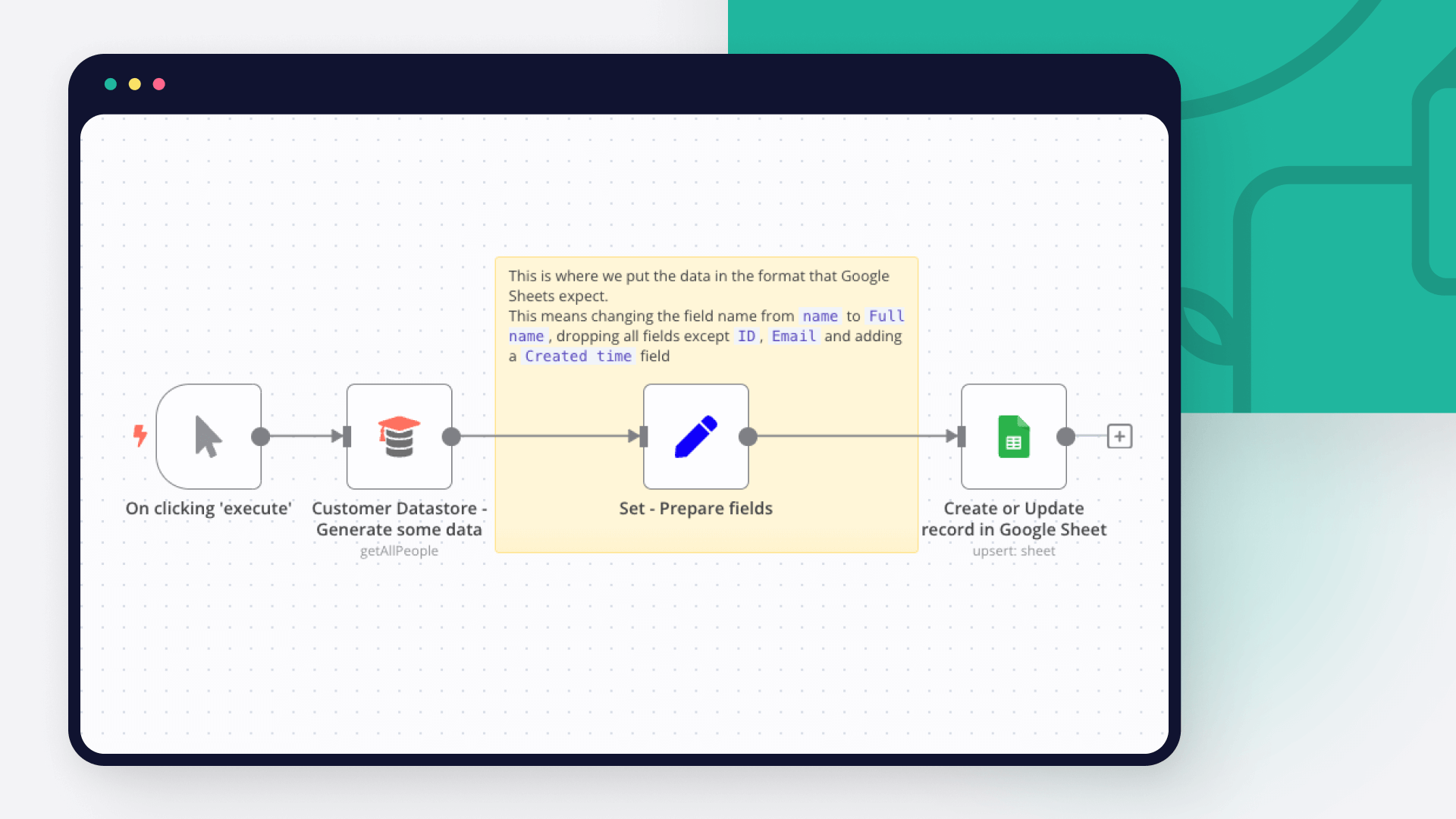
How to use Google Sheets as a database
Dive into the versatility of Google Sheets as a database with our in-depth comparison of Python scripting and n8n automation. Get 7 free workflows to set up your Google Sheets database in n8n!
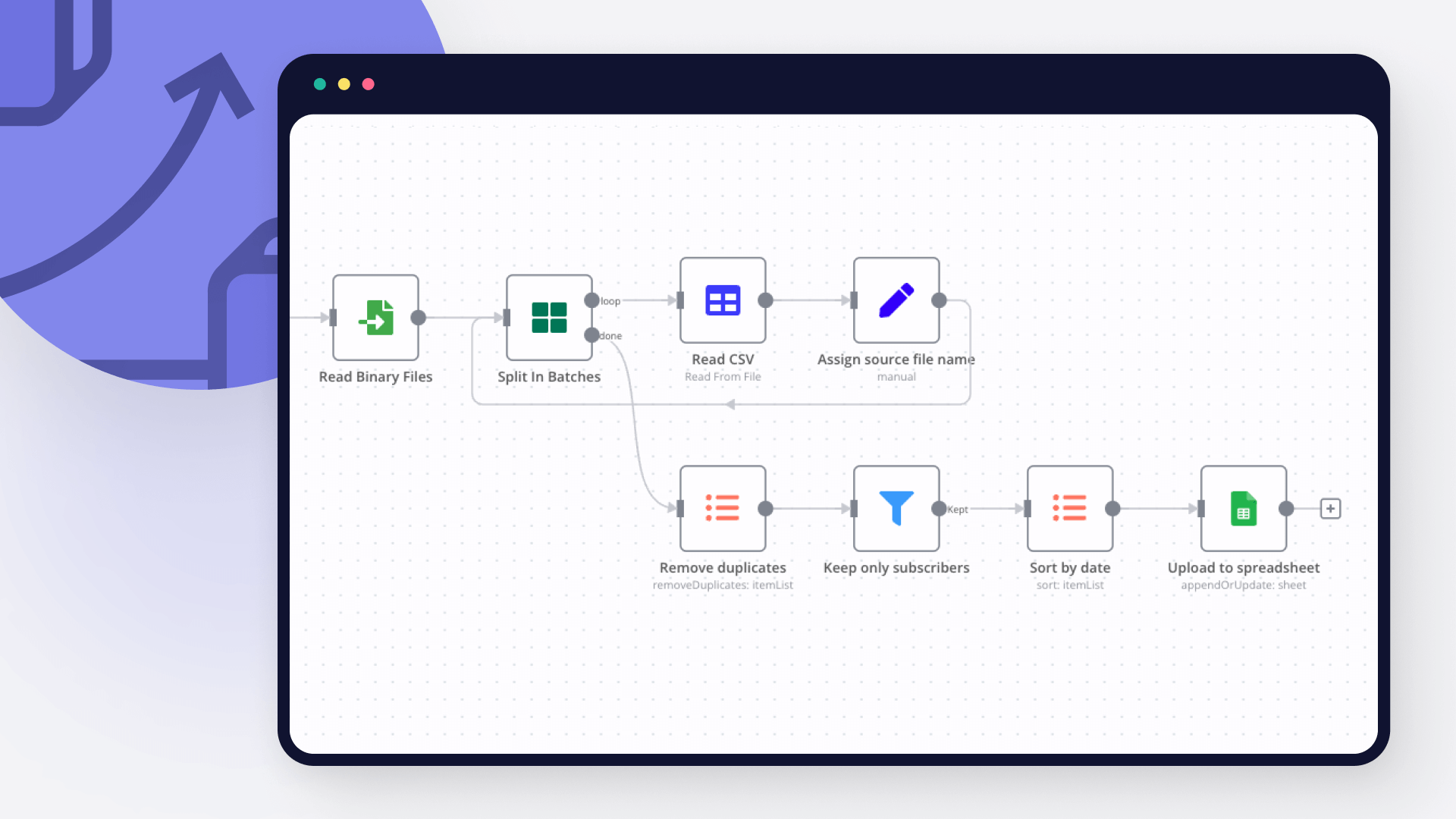
How to import CSV into Google Sheets: 3 best methods
Explore 3 efficient methods for importing CSV files into Google Sheets, comparing n8n's automated workflow with the manual import via native Google Sheets interface and the programmatic import via Python.
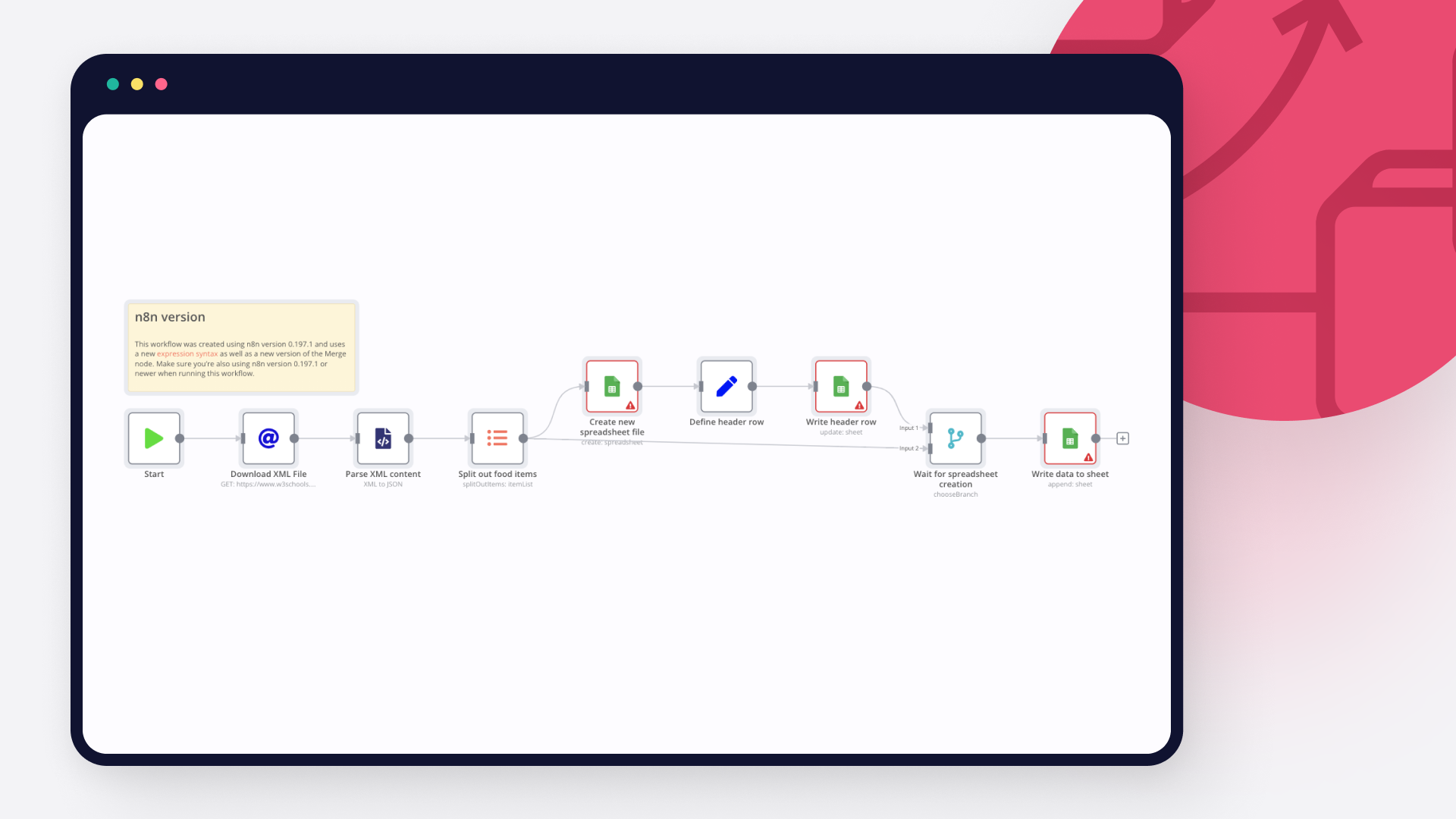
How to import XML to Google Sheets: 3 step-by-step techniques
Learn three different ways to import XML to Google sheets: with Google sheet’s IMPORTXML function, with Google AppScript and automation with n8n.
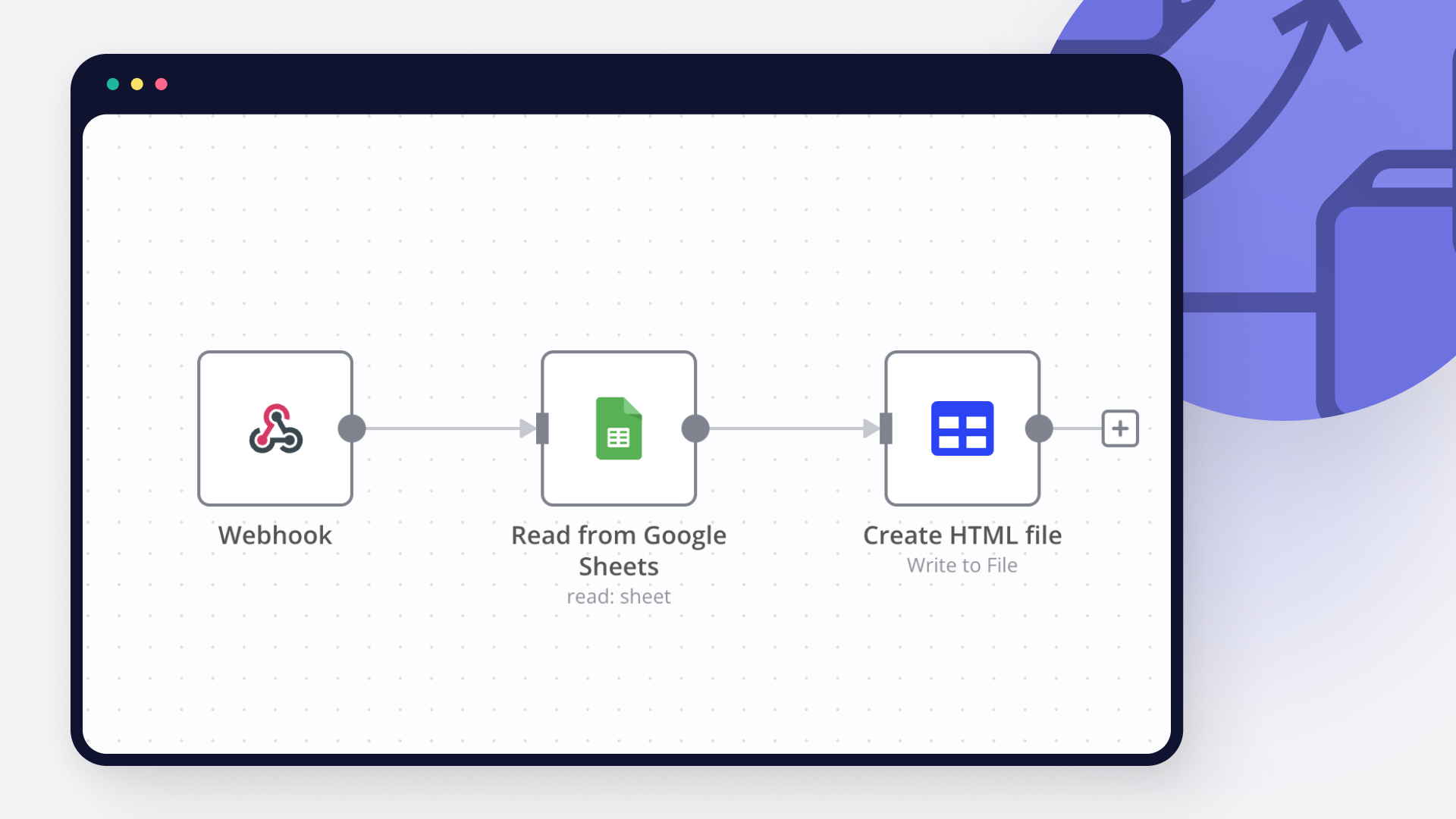
How to pull data from Google Spreadsheet to HTML: Code and no code approaches
Learn how to pull data from Google Spreadsheet to HTML using Google Apps Script and n8n automation tool.
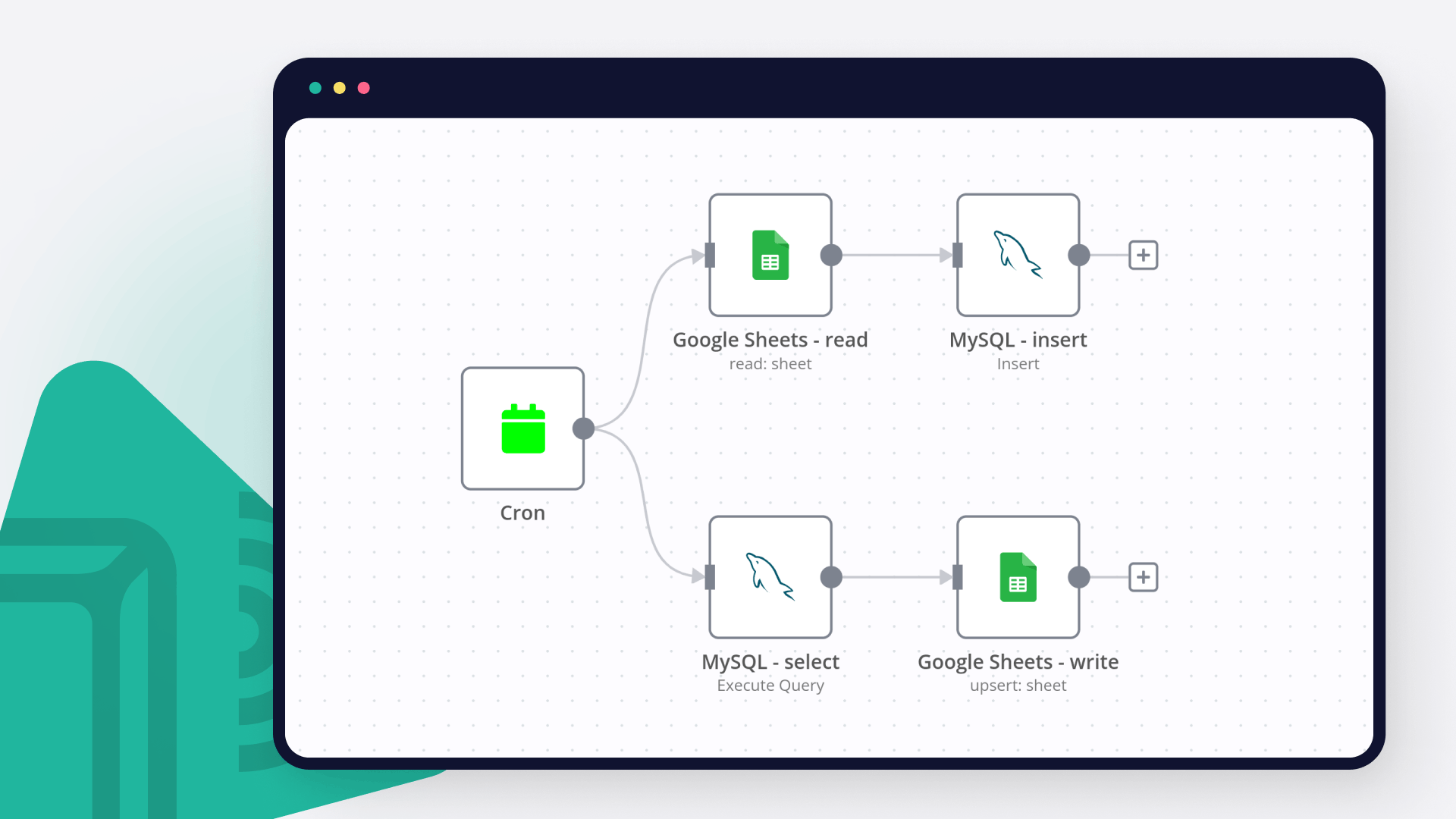
How to connect Google Sheets to MySQL: Code and no-code methods
Discover two ways to connect MySQL with Google Sheets, and learn to build no-code workflows for automating it.
How to automatically import JSON into Google Sheets
Discover three ways to import JSON data into Google Sheets or a CSV file, and five no-code workflows for automatically moving data between JSON and spreadsheets.
FAQs
FAQ
Can Google Sheets connect with Ideta?
Yes, Google Sheets can connect with Ideta using n8n.io. With n8n, you can create workflows that automate tasks and transfer data between Google Sheets and Ideta. Configure nodes for Google Sheets and Ideta in the n8n interface, specifying actions and triggers to set up their connection.
Can I use Google Sheets’s API with n8n?
Yes, with n8n, you can programmatically interact with Google Sheets’s API via pre-defined supported actions or raw HTTP requests. With the HTTP Request node, you create a REST API call. You need to understand basic API terminology and concepts.
Can I use Ideta’s API with n8n?
Yes, with n8n, you can programmatically interact with Ideta’s API via pre-defined supported actions or raw HTTP requests. With the HTTP Request node, you create a REST API call. You need to understand basic API terminology and concepts.
Is n8n secure for integrating Google Sheets and Ideta?
Yes, it is safe to use n8n to integrate Google Sheets and Ideta. n8n offers various features to ensure the safe handling of your data. These include encrypted data transfers, secure credential storage, RBAC functionality, and compliance with industry-standard security practices (SOC2 compliant). For hosted plans, data is stored within the EU on servers located in Frankfurt, Germany. You can also host it on your own infrastructure for added control.
Learn more about n8n’s security practices here.
How to get started with Google Sheets and Ideta integration in n8n.io?
To start integrating Google Sheets and Ideta in n8n, you have different options depending on how you intend to use it:
- n8n Cloud: hosted solution, no need to install anything.
- Self-host: recommended method for full-control or customized use cases.
Unlike other platforms that charge per operation, step, or task, n8n charges only for full workflow executions. This approach guarantees predictable costs and scalability, no matter the complexity or volume of your workflows.
Need help setting up your Google Sheets and Ideta integration?
Discover our latest community's recommendations and join the discussions about Google Sheets and Ideta integration.

Is the Google Sheets Node not working for anyone else (not a newbie)?
sw2025
Not a newbie to n8n - Have successfully used the G-sheets nodes many times in the past with the same credentials, never an issue. Today I’m trying to create a new automation that requires using the G-Sheets nodes - cann…

How to Update Multiple Rows in Google Sheets at Once in n8n?
Tenzin Nyima 10B15
Hi everyone I’m currently learning n8n and experimenting with Google Sheets automation. I’ve set up a workflow (screenshot attached) that includes: Trigger: “When chat message received” AI Agent connected to: Goog…

Google Sheets Action is not picking up a list of available Sheets despite seeing the document itself
Sergey Komardenkov
Describe the problem/error/question I am testing a workflow where the final action is addition of a row into a Google sheet. I have created a new sheet, I gave it Edit permissions by link just in case, and of course I ad…

Seeking help to look for Pivot table or any formula operation in Google Sheet
Filbert Henrico
Hi there, I am using free service in n8n and I am looking for a support to provide information whether there is an option for pivot table or vlookup formula in the operation section for google sheet? Is it something th…

Switch Node with Google Doc File Problem
Boba228ai
Hello everyone! I set up workflow file transfer in supabase. Google Drive trigger receives file data, transfers it to switch, it determines what kind of file it is (google sheet, google doc, pdf) and then transfers it to…
The world's most popular workflow automation platform for technical teams including





Why use n8n to integrate Google Sheets with Ideta
Build complex workflows, really fast
